
Download Infuse VR – VR hand tracking, VR controller customization, VR accessory visualization, VR immersion enhancement, VR gaming tool
Overview
Infuse VR is a specialized server application designed to elevate the virtual reality experience by bridging the gap between physical presence and digital immersion. The app enables users to see their hands and gaming accessories within the VR environment, significantly enhancing realism and interaction. This functionality is particularly beneficial for users of VR headsets such as the Meta Quest 2, Quest 3, Pico 4, and HTC Focus 3, offering a seamless integration of real-world tools into virtual spaces. By visualizing hands and peripherals like joysticks and throttles, Infuse VR reduces the cognitive load associated with navigating physical controls during gameplay, allowing for more intuitive and natural interactions.
Targeted primarily at serious VR gamers and simulation enthusiasts, the app addresses a common pain point: the disconnect between physical input devices and their digital representation. It is especially useful in high-fidelity simulations where precise control and spatial awareness are critical. The software also supports advanced customization through its Pro version, allowing users to import custom 3D models of controllers.
This level of personalization empowers users to tailor their VR setup to match their physical preferences and ergonomic needs. The app’s ability to manage multiple profiles further enhances usability for users who switch between different VR applications or configurations. As part of the growing VR ecosystem, Infuse VR contributes to a more immersive, accessible, and user-centric experience.
Key Features & Functionality
- Hand Visualization: Utilizing advanced finger tracking, Infuse VR renders realistic hand models in the virtual environment, allowing users to see their hands as they interact with objects. This feature improves spatial awareness and reduces the need for visual cues from controllers, making interactions feel more natural.
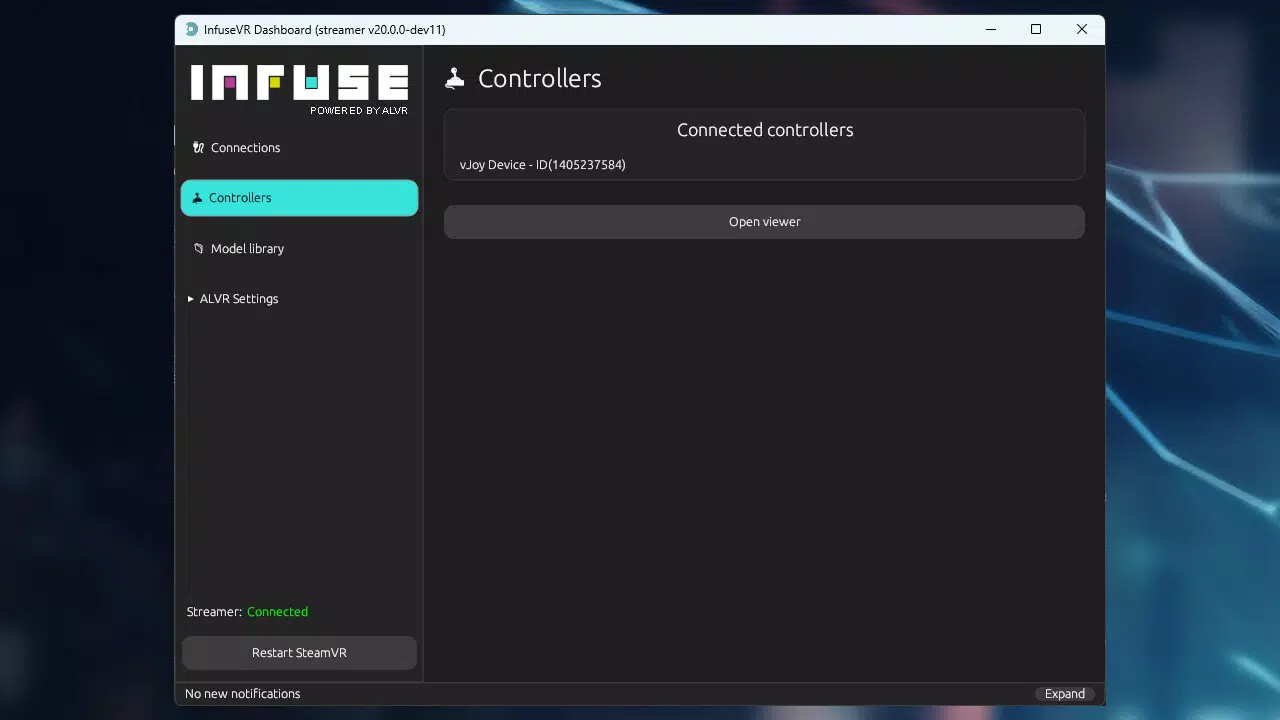
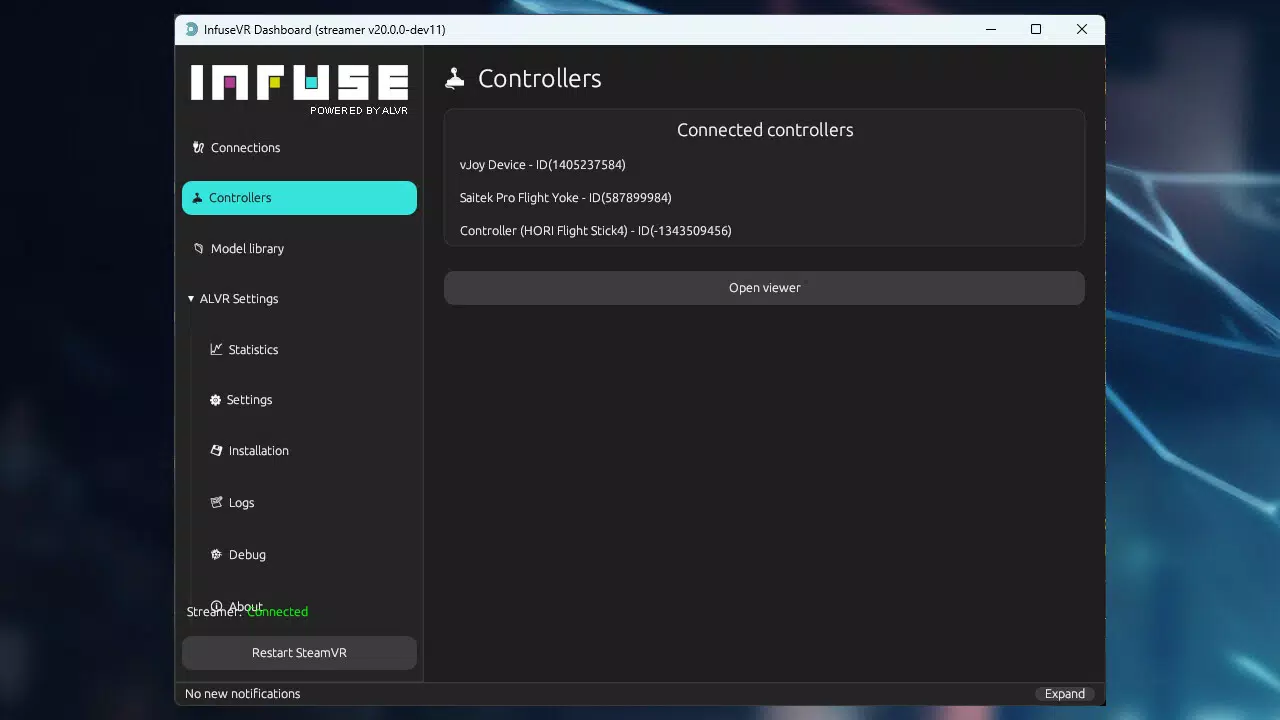
- Accessory Visualization: The app supports the digital representation of physical gaming accessories such as joysticks, throttles, and pedals. Users can see these tools in VR, enabling precise positioning and interaction without relying on memory or physical reference.
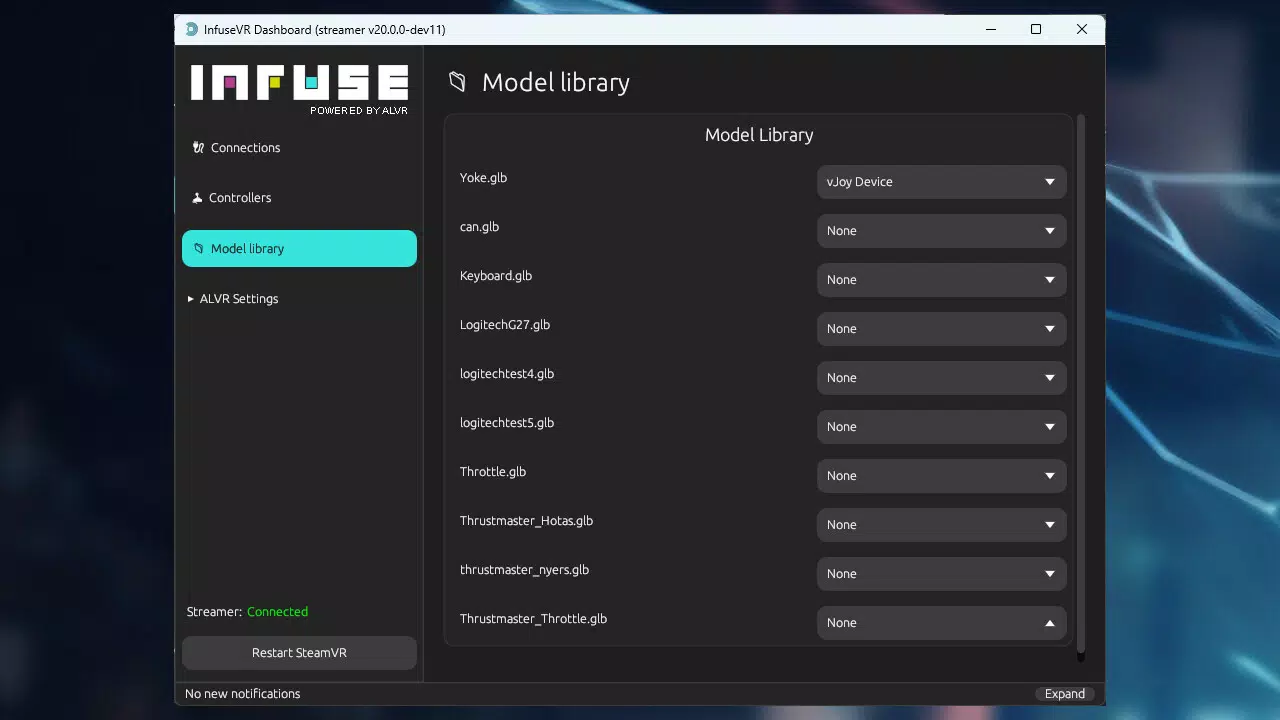
- Custom Controller Support: In the Pro version, users can design and upload custom 3D controller models. This allows for personalized input devices that match unique hardware setups or ergonomic preferences, enhancing comfort and control accuracy.
- Multi-Profile Management: Infuse VR enables users to save and recall different configuration profiles. This is ideal for gamers who use multiple VR games or simulators, as it allows for rapid switching between setups without manual reconfiguration.
- Motion Compensation: Integrated with compatible motion simulators—specifically the Yaw2 simulator—this feature adjusts for physical movement discrepancies, improving the realism of motion in VR environments and reducing motion sickness during extended sessions.
Each feature is designed with real-world usability in mind. For example, a flight simulator enthusiast can see their joystick and throttle in VR, aligning physical inputs with visual feedback. A racing simulation player can visualize their custom steering wheel setup, ensuring accurate positioning and control. These capabilities make Infuse VR a powerful tool for enhancing both immersion and performance in VR gaming and simulation scenarios.
Interface, UX & Performance
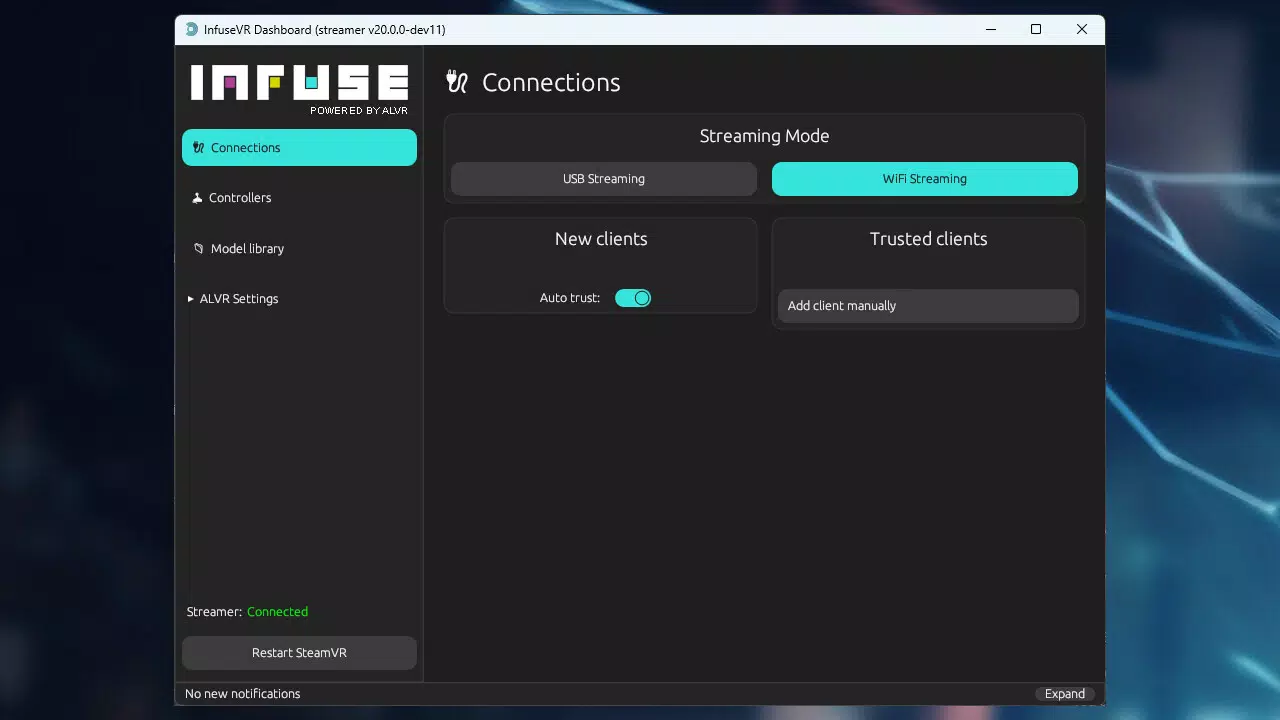
The user interface of Infuse VR is designed with functionality and clarity in mind. It presents a clean, intuitive layout that allows users to navigate settings, manage profiles, and configure visualizations with minimal friction. The navigation flow is logical, guiding users through setup, calibration, and customization steps in a structured manner. Visual feedback is consistent, helping users confirm changes and verify device recognition.
Although the developer did not list formal performance metrics, the app is reported to operate smoothly on supported devices. Its lightweight design, at 120 MB, suggests efficient resource usage, which is critical for server applications that run continuously during VR sessions. Responsiveness is maintained across various device categories, though specific performance benchmarks were not disclosed. Stability appears to be a priority, as the app supports real-time rendering of hands and accessories without noticeable lag in standard use cases.
Users can expect consistent performance during extended VR sessions, particularly when paired with compatible headsets. The app’s architecture supports background operation without disrupting VR applications. While no official information was provided about battery impact or thermal management, the minimal footprint indicates optimized operation. Overall, the UX is geared toward power users who value precision and control, making it a reliable companion for immersive VR experiences.
Platform Compatibility & Technical Requirements
Infuse VR is designed for Android devices and is compatible with a range of VR headsets, including the Meta Quest 2, Quest 3, Pico 4, and HTC Focus 3. The app runs on Android OS, though specific minimum version requirements were not listed. The file size is 120 MB, indicating a lightweight installation that does not strain device storage. The current version is 1.1.0, released on February 19, 2025.
The developer did not specify minimum OS requirements or hardware compatibility beyond the supported headsets. It is assumed that the app functions on devices capable of running VR applications and supporting USB tethering or Wi-Fi connectivity for server communication. Compatibility with other platforms such as iOS was not confirmed. Users should ensure their Android device meets the baseline requirements for VR application execution, though exact specifications were not disclosed.
Pros and Cons
- Enhances VR immersion through realistic hand and accessory visualization
- Supports custom 3D controller models in the Pro version
- Multi-profile management simplifies setup switching
- Integrated motion compensation for compatible simulators
- Optimized file size (120 MB) for efficient storage usage
- Price point of $9.99 may be high for casual users
- No official information on iOS or other platform availability
- Specific OS version requirements not disclosed
- Requires compatible VR headset and external device for full functionality
- Pro features are locked behind a paid upgrade
FAQ
Is Infuse VR available for iOS devices?
The developer has not confirmed iOS compatibility. The app is currently available for Android.
What VR headsets are supported by Infuse VR?
Infuse VR supports Meta Quest 2, Quest 3, Pico 4, and HTC Focus 3. No other headsets are officially listed.
Does Infuse VR require a paid subscription?
Infuse VR offers a Pro version with additional features. The base app may be free to install, but advanced capabilities like custom controller support require a purchase.
Can I use Infuse VR with motion simulators?
Yes, Infuse VR includes motion compensation for the Yaw2 motion simulator. Compatibility with other simulators has not been confirmed.
How do I update Infuse VR to the latest version?
Updates are available through the official Android app distribution channel. Users should check for updates in their app store or download the latest APK from the developer’s website.
Final Thoughts
Infuse VR stands out as a powerful tool for serious VR enthusiasts seeking deeper immersion and greater control. Its ability to visualize hands and physical accessories within the virtual space significantly enhances realism, while features like custom controller support and motion compensation cater to advanced users. The app’s lightweight design and efficient performance make it a reliable companion for extended VR sessions.
Although the $9.99 price tag may deter casual users, the value proposition is strong for those invested in high-fidelity VR gaming and simulation. With its focus on customization, stability, and cross-device integration, Infuse VR fills a critical gap in the VR ecosystem. For users who demand precision and immersion, this app delivers a tangible upgrade to their virtual experience.
Download Infuse VR now


